Reading mode with a map, built for travel articles.
Paste any travel article URL and read it with every place it mentions already pinned on the map.
No more looking them up one by one.
Try:
Free. No account needed.
app.picklecan.com
How it works
01
Paste the link.
Any travel article or destination guide.
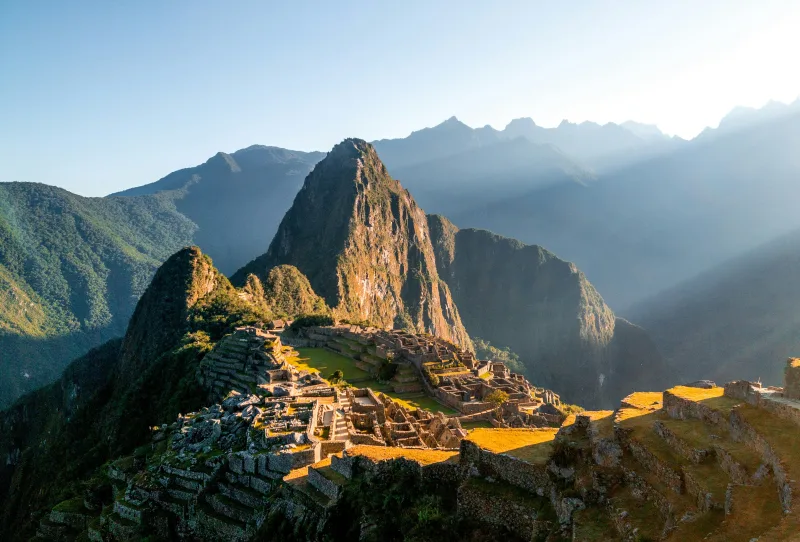
48 Hours at Machu Picchu
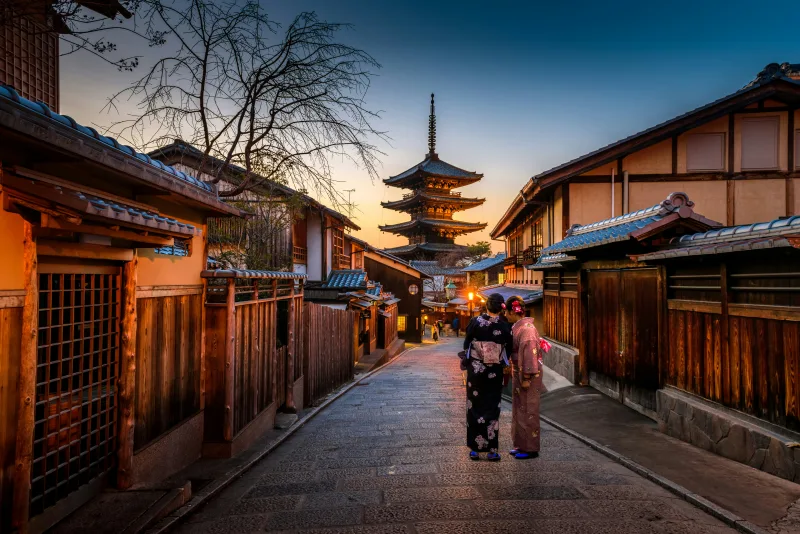
A Walk Through Old Tokyo
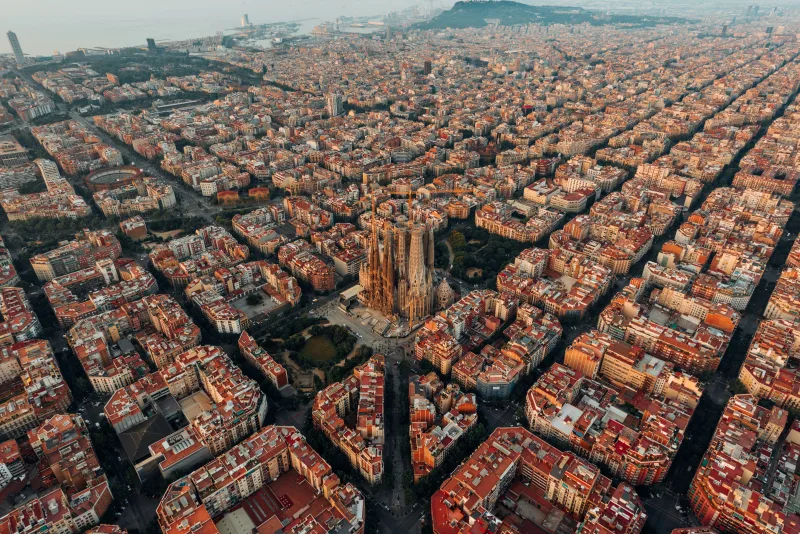
A Local's Guide to Barcelona
travel-awesome.com/a-local-guide-to-barcelona
02
It reads the article and finds the places in a few seconds.
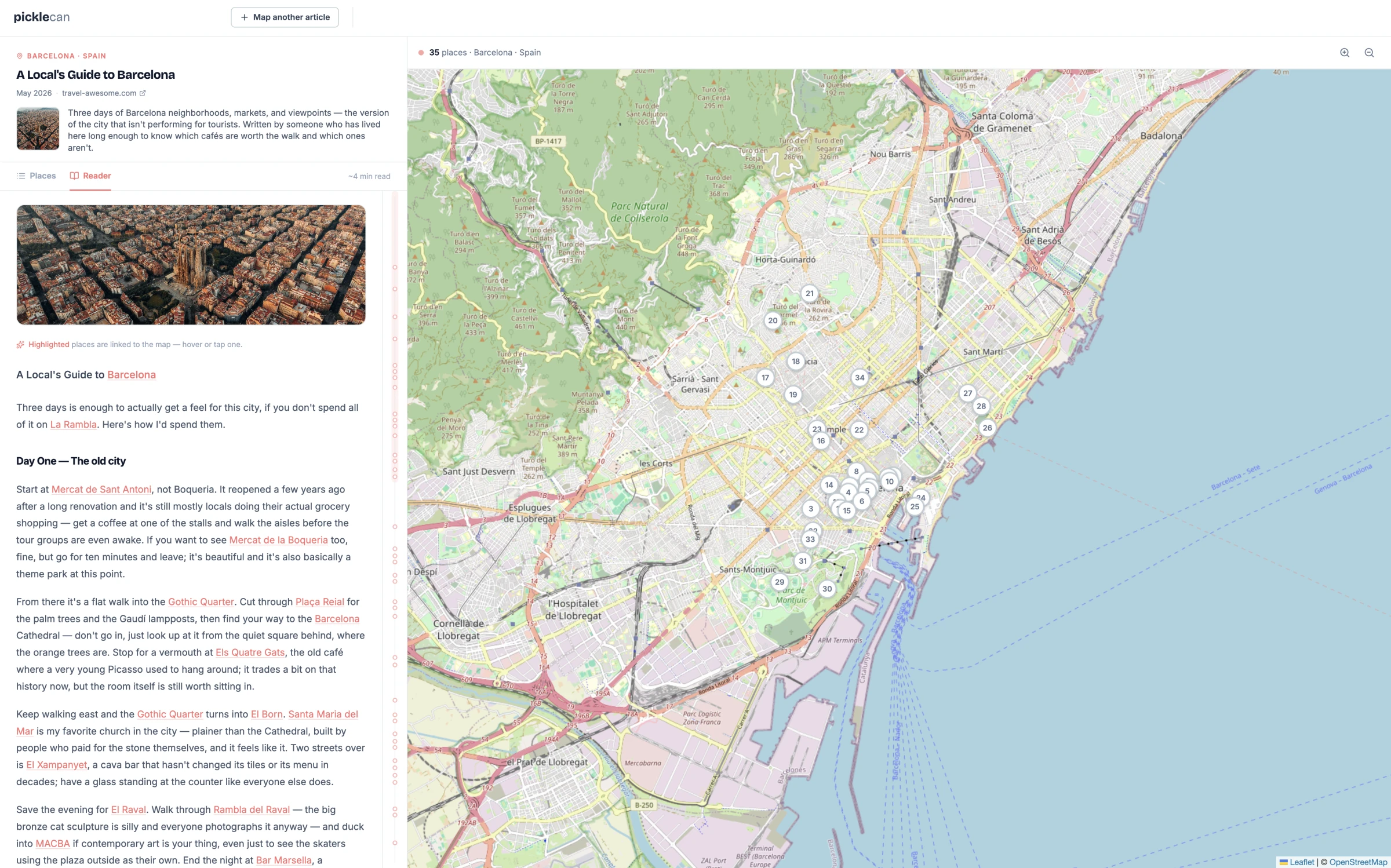
Every place mentioned in the article is found and pinned automatically — hotels, restaurants, museums, beaches, viewpoints and more. Save hours of manual pinning.
Mapping your article
Reading the story. Finding the places.
03
Get instant orientation.
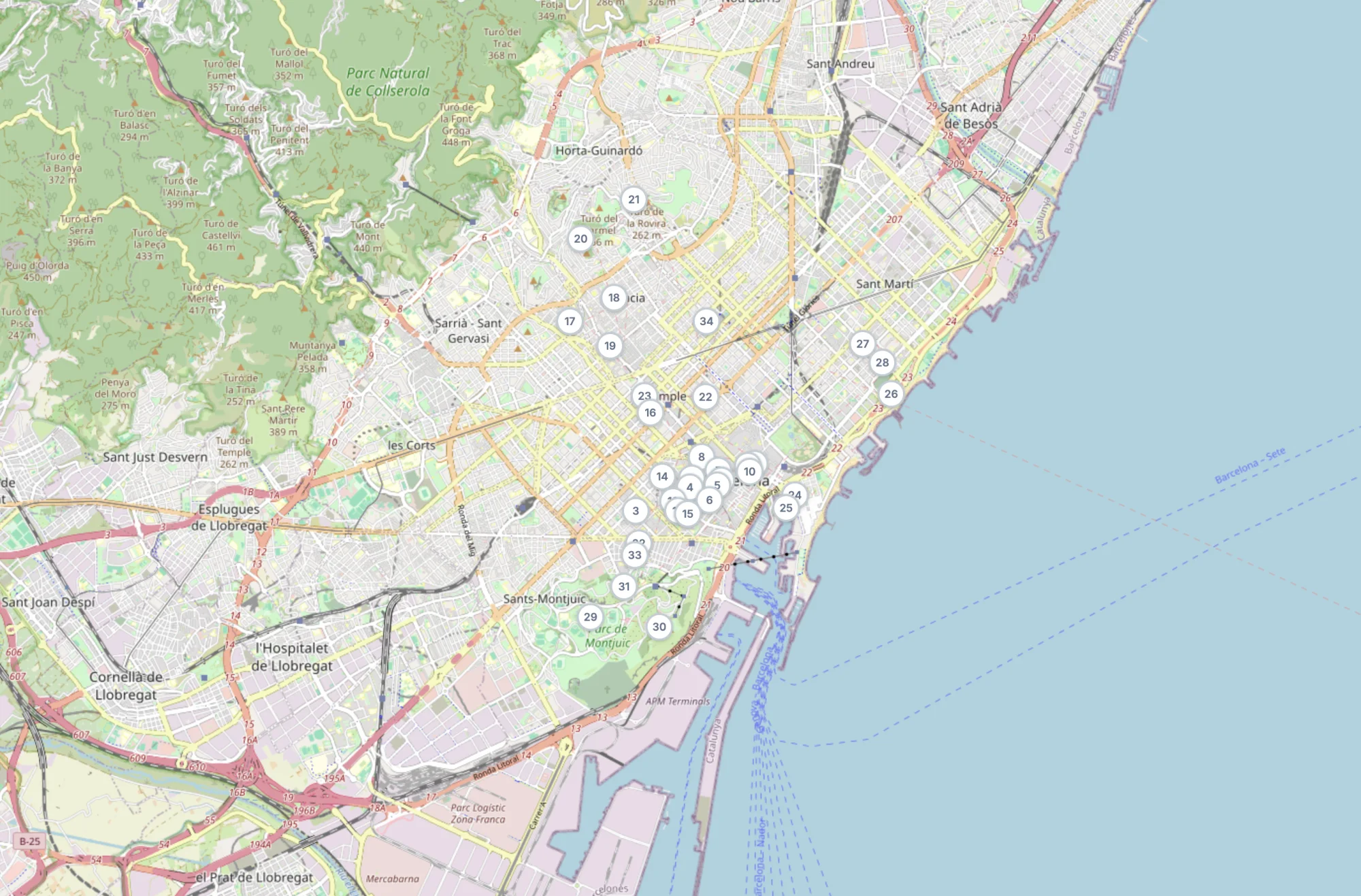
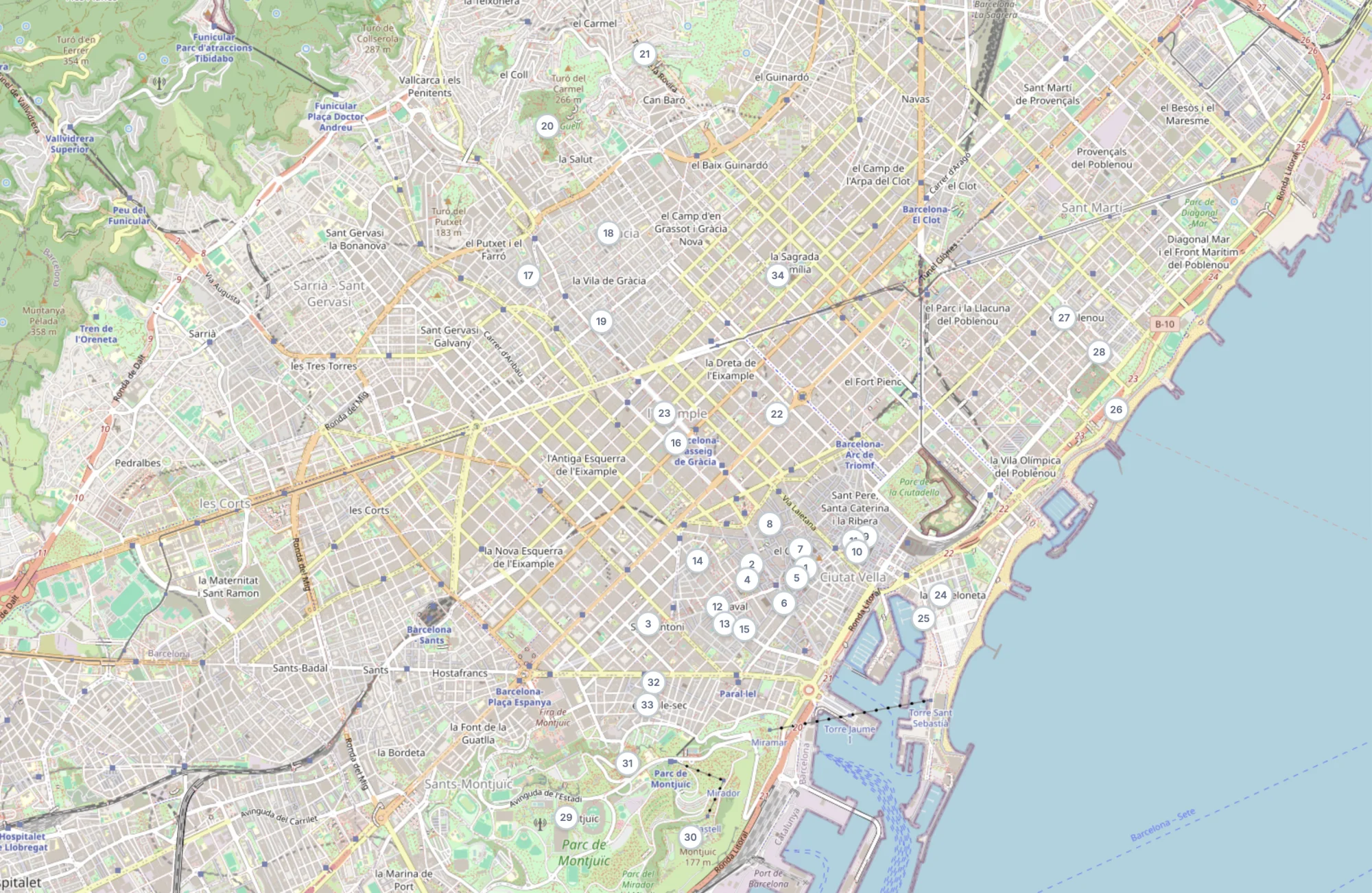
The map shows you every place at once, so you can read a destination at a glance — what the article covers, and where everything is.
35 places
1
Barcelona
City
2
La Rambla
Street
3
Mercat de Sant Antoni
Market
4
La Boqueria
Market
5
Gothic Quarter
Neighborhood
6
04
See where the places are, know what the writer says about them.
Every place in the article is highlighted. Click one and you see where it is on the map. Click a pin and the article scrolls to the paragraph where the writer mentions it.
Barcelona · Spain
A Local's Guide to Barcelona
May 2026·travel-awesome.com
Three days of Barcelona neighborhoods, markets, and viewpoints — the version of the city that isn't performing for tourists. Written by someone who has lived here long enough to know which cafés are worth the walk and which ones aren't.
~4 min read
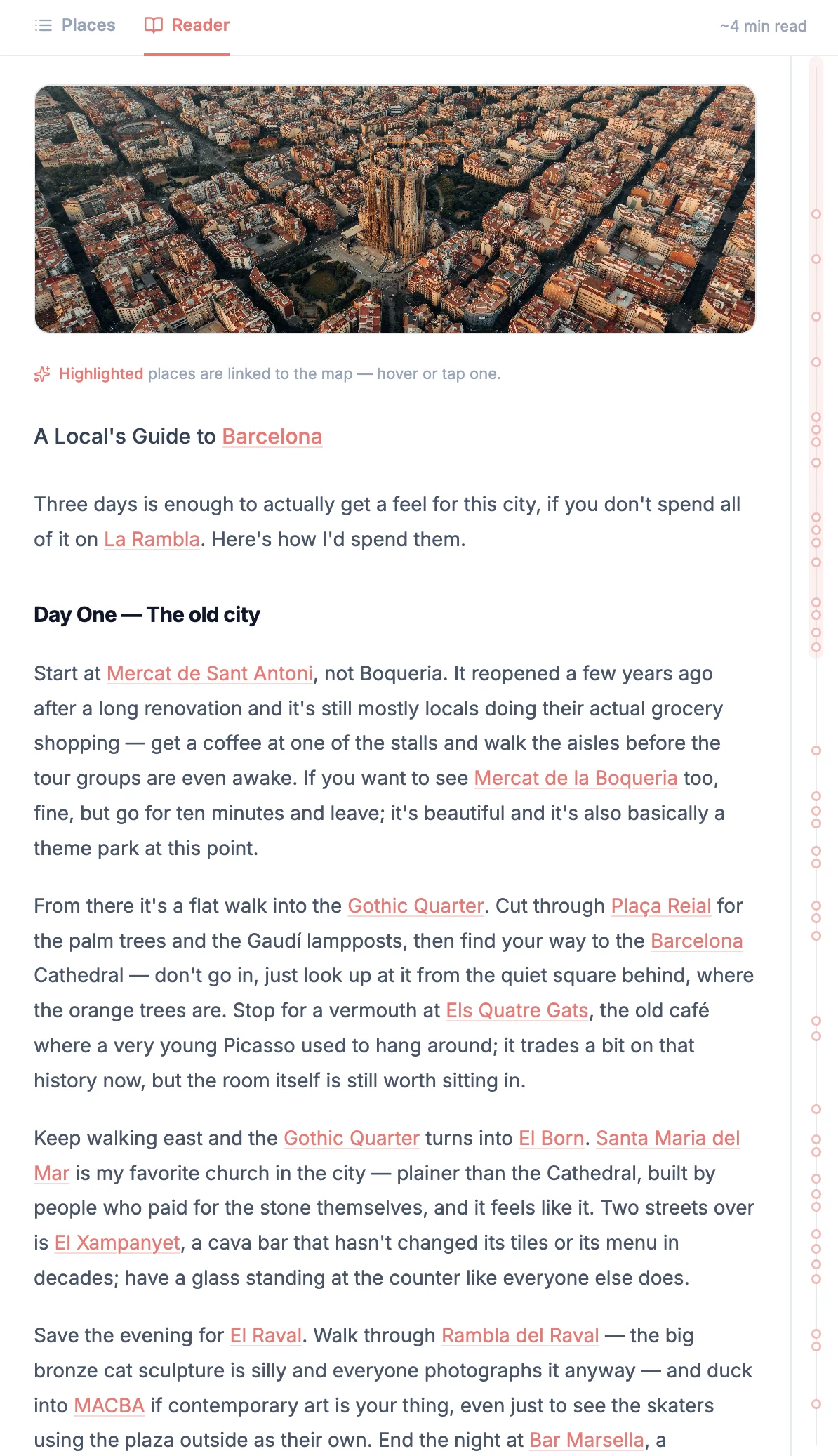
Highlighted places are linked to the map — hover or tap one.
A Local's Guide to Barcelona
Three days is enough to actually get a feel for this city, if you don't spend all of it on La Rambla. Here's how I'd spend them.
Day One — The old city
Start at Mercat de Sant Antoni, not Boqueria. It reopened a few years ago after a long renovation and it's still mostly locals doing their actual grocery shopping — get a coffee at one of the stalls and walk the aisles before the tour groups are even awake. If you want to see Mercat de la Boqueria too, fine, but go for ten minutes and leave; it's beautiful and it's also basically a theme park at this point.
From there it's a flat walk into the Gothic Quarter. Cut through Plaça Reial for the palm trees and the Gaudí lampposts, then find your way to the Barcelona Cathedral — don't go in, just look up at it from the quiet square behind, where the orange trees are. Stop for a vermouth at Els Quatre Gats, the old café where a very young Picasso used to hang around; it trades a bit on that history now, but the room itself is still worth sitting in.
Keep walking east and the Gothic Quarter turns into El Born. Santa Maria del Mar is my favorite church in the city — plainer than the Cathedral, built by people who paid for the stone themselves, and it feels like it. Two streets over is El Xampanyet, a cava bar that hasn't changed its tiles or its menu in decades; have a glass standing at the counter like everyone else does.
Save the evening for El Raval. Walk through Rambla del Raval — the big bronze cat sculpture is silly and everyone photographs it anyway — and duck into MACBA if contemporary art is your thing, even just to see the skaters using the plaza outside as their own. End the night at Bar Marsella, a genuinely old absinthe bar that hasn't tried to modernize itself in over a century. Order the house absinthe once, out of principle.
Day Two — Gaudí, and up into the hills
This is the day that takes planning, because the good parts of it are uphill. You have to see Sagrada Família, there's no getting around it — book the timed entry weeks ahead, go first thing in the morning, and spend your time looking up at the stone forest of columns, not at your phone. Walk over to Casa Batlló afterward if you want more Gaudí at street level, or skip it for Casa Vicens instead — his first major building, up in Gràcia, with a fraction of the crowd.
Speaking of Gràcia: it's worth wandering on its own terms. Plaça de la Vila de Gràcia fills up in the evening with people who live within ten minutes of it, not people staying in hotels, which is exactly why you should eat dinner there.
But first, the climb. Park Güell is up above Gràcia, and if you're coming from the center, walk it once and then take the bus every time after — it's a real hill. Further up and over is Bunkers del Carmel, which has the best sunset view in the city and which most visitors have never heard of, because it isn't near anything else. Bring something to drink and get there an hour before sunset, because the good spots on the wall fill up with people who already know.
If you're looking for somewhere to base yourself for the trip, Hotel Casa Bonay in the Eixample sits close enough to walk to most of today's stops, and it's a genuinely nice building in its own right.
Day Three — The water, and the other hill
Down to the sea today. La Barceloneta isn't the most beautiful beach in Spain, not close, but there's something right about ending a trip with your feet in the Mediterranean. Eat too much seafood at Can Solé first — order whatever the table next to you ordered, they'll know more than you do.
If you'd rather skip the crowds at Barceloneta, walk up the coast to Platja del Bogatell in Poblenou instead, and take Rambla del Poblenou on the way — a quieter, more local stretch, full of neighborhood cafés instead of beach bars.
In the afternoon, head the other direction, to Montjuïc. Take the Telefèric de Montjuïc up rather than walking — it's part of the experience, not just transport — and spend some time at Montjuïc Castle for the views back over the port. On the way down, stop at Fundació Joan Miró, which has one of the best small museum collections in the city and is never as crowded as it deserves to be.
End the trip the way locals actually eat: on Carrer de Blai in Poble Sec, a single street lined with pintxos bars where you pay per toothpick and nobody expects you to sit down at any one place for more than twenty minutes.
That's three days. Not everything — nowhere close — but it's the version of Barcelona that isn't performing for anyone.
35 places · Barcelona, Spain
3
Mercat de Sant Antoni
5
Gothic Quarter
34
Sagrada Família
29
Montjuïc
FAQ
Yes, it's free, and there's no account to create. Paste a URL and that is it.
Travel articles and destination guides. It's built for travel writing specifically.
The whole article, word for word. Nothing is generated. Nothing is summarized. There is also a link to the original source.
It can happen — maps are never quite perfect. Usually it's one of three things:
The place is too new or too small to be in the map data yet, or it's in a region where the map data isn't complete or up to date.
The writer used a different name for it than we can find on the map, although we search with many alternative names to find it.
The place has closed, moved, or changed name since the article was written.
Picklecan also leaves out places that aren't part of the trip the article is about. If a London guide refers to a café in Paris for comparison, that café doesn't end up on the London map. It also keeps the highlights in the article focused on the places you're actually going.
Not yet, but stay tuned.
Yes. You need to open the article to get its URL, so the writer gets that visit. And every article you read here has the link back to the original source.
Picklecan fetches the article so it can find the places in it. Every paste is a fresh read, and nothing you open is public, shared, or searchable by anyone else.